LitePay Launches v2.0: Virtual Bank Accounts, Local Currency Transfers & Bill Payment Commissions
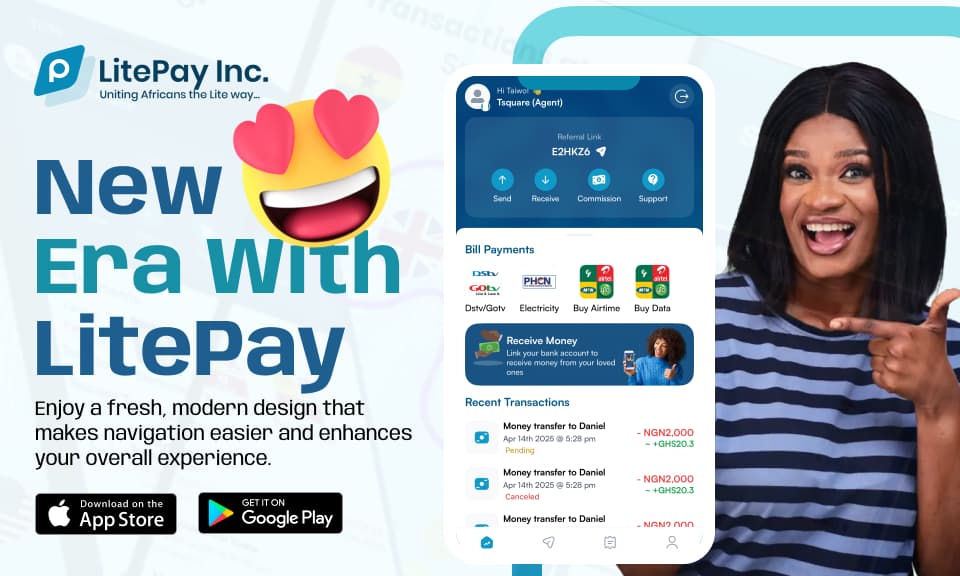
We're thrilled to announce the launch of LitePay v2.0—our biggest update yet! This major release introduces three game-changing features that transform how you manage your finances, send money, and pay bills. Whether you're a freelancer receiving international payments, someone sending money to family, or looking to earn rewards on your bill payments, v2.0 has something exciting for everyone.
At LitePay, we're constantly listening to our users and working to make financial services more accessible, affordable, and rewarding. Version 2.0 represents months of development, user feedback, and innovation—all focused on making your financial life easier and more profitable.
What's New in LitePay v2.0?
LitePay v2.0 introduces three powerful features that revolutionize your financial experience:
- Virtual USD/EUR Bank Accounts: Open and manage virtual bank accounts in your preferred currency
- Local Currency Transfers: Send and receive money effortlessly in your local currency
- Bill Payment Commissions: Earn commissions on every bill payment you make
Let's dive deep into each feature and discover how they can benefit you.
Feature 1: Open a Virtual USD/EUR Bank Account
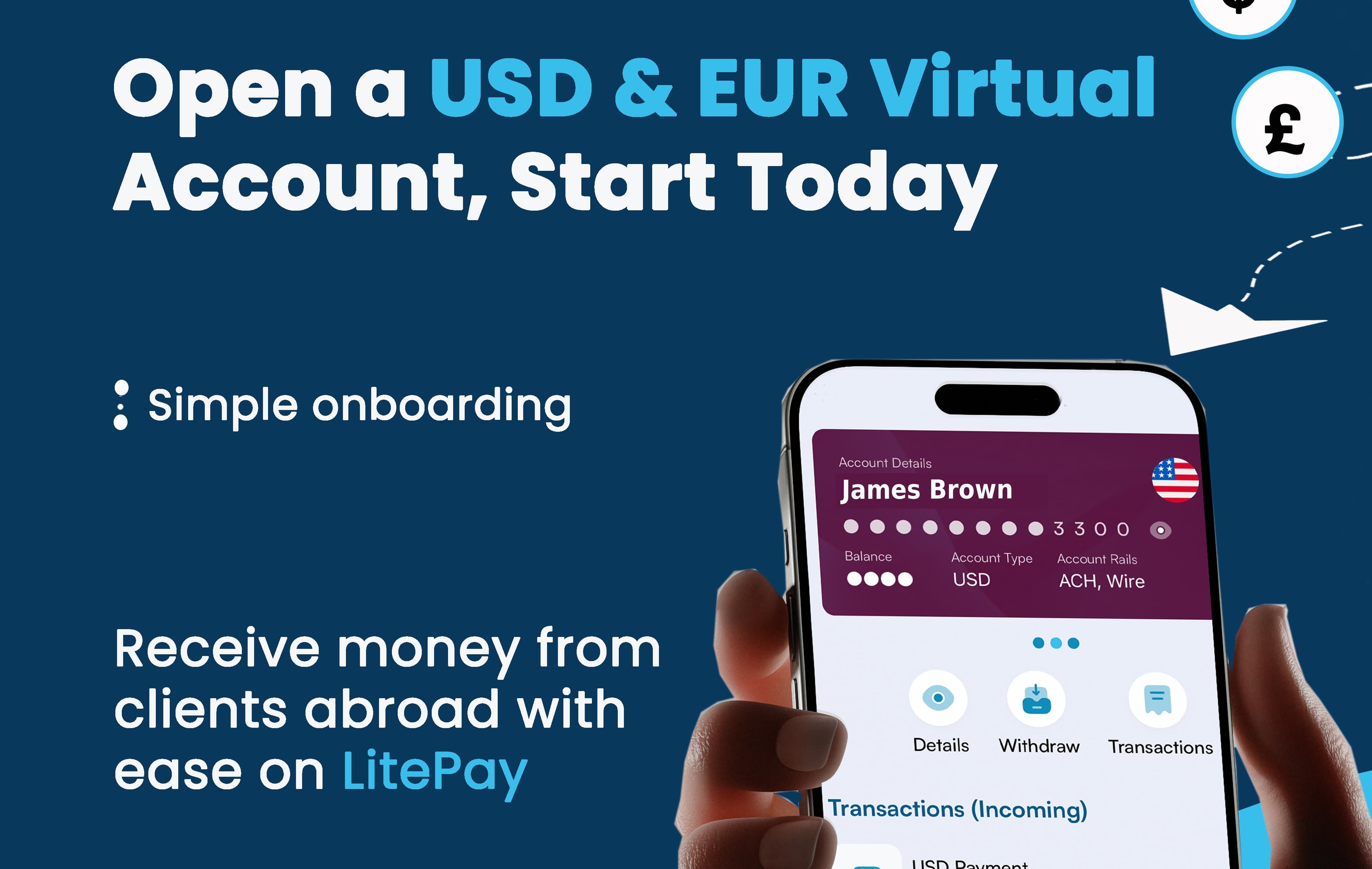
Managing finances across different currencies has never been easier. With LitePay v2.0, you can now open virtual bank accounts in USD or EUR, giving you the flexibility to manage your money in your preferred currency.
Why Virtual Bank Accounts Matter
Virtual bank accounts offer numerous advantages:
- Multi-Currency Management: Hold and manage funds in USD or EUR alongside your local currency
- International Payments: Receive payments from international clients and customers seamlessly
- Currency Stability: Protect your savings from local currency volatility
- Global Access: Access your funds from anywhere in the world
- Easy Setup: Open an account in minutes, without the hassle of traditional banking
Who Benefits from Virtual Bank Accounts?
Virtual USD/EUR accounts are perfect for:
- Freelancers and Remote Workers: Receive payments from international clients in USD or EUR
- Business Owners: Accept payments from customers worldwide in multiple currencies
- Students Abroad: Receive support from family in stable currencies
- Travelers: Manage travel funds in international currencies
- Savers: Diversify your savings across different currencies
How to Open Your Virtual Bank Account
Getting started is simple:
- Open the LitePay App: Navigate to the "Virtual Accounts" section
- Choose Your Currency: Select USD or EUR based on your needs
- Complete Verification: Provide the required information for account setup
- Start Using: Your virtual account is ready to use immediately
No lengthy paperwork, no bank visits, no waiting periods—just a few taps and you're ready to go.
Feature 2: Send and Receive Money in Your Local Currency
Transferring money to friends and family in your local currency is now faster and easier than ever. LitePay v2.0 makes local currency transfers seamless, whether you're sending money across town or across the country.
Benefits of Local Currency Transfers
Our enhanced local currency transfer feature offers:
- Instant Transfers: Send money and have it arrive in minutes, not days
- Zero Fees: Many transfers are completely free, saving you money
- Easy Process: Simple, intuitive interface that makes sending money effortless
- Wide Network: Send to anyone with a LitePay account or bank account
- Transaction History: Keep track of all your transfers in one place
Use Cases for Local Currency Transfers
Local currency transfers are perfect for:
- Family Support: Send money to family members quickly and easily
- Bill Sharing: Split bills with friends and roommates
- Business Payments: Pay suppliers and receive payments from customers
- Emergency Funds: Send money quickly when someone needs it
- Regular Remittances: Set up recurring transfers for regular support
How to Send Money in Local Currency
Sending money is straightforward:
- Open LitePay App: Go to the "Send Money" section
- Enter Recipient Details: Add the recipient's phone number or LitePay ID
- Enter Amount: Specify how much you want to send in your local currency
- Confirm and Send: Review details and confirm the transfer
- Instant Delivery: The recipient receives the money immediately
It's that simple—send money in your local currency with just a few taps.
Feature 3: Earn Commission on Bill Payments
This is where LitePay v2.0 gets really exciting! Now, every time you pay a bill through LitePay, you earn a commission. That's right—you get rewarded for paying your bills.
How Bill Payment Commissions Work
Every bill payment you make through LitePay earns you a commission:
- Automatic Rewards: Commissions are automatically credited to your LitePay wallet
- Every Payment Counts: Whether it's TV subscriptions, internet bills, airtime, or utilities—every payment earns you a commission
- No Limits: The more bills you pay, the more commissions you earn
- Use Your Rewards: Use your commissions for transfers, bill payments, or withdraw them
What Bills Qualify for Commissions?
You can earn commissions on a wide range of bill payments:
- Pay TV Subscriptions: DStv, GOtv, StarTimes, and more
- Internet Services: Home and office internet bills
- Airtime Top-Ups: Mobile network recharges
- Utility Bills: Electricity, water, and other utilities
- Other Services: Various billable services available on the platform
Maximizing Your Bill Payment Commissions
To maximize your commissions:
- Pay All Bills Through LitePay: The more bills you pay, the more you earn
- Pay Regularly: Set up recurring payments for regular bills
- Pay for Others: Help family and friends pay their bills and earn commissions
- Combine with Other Features: Use your commissions to fund transfers or other services
Real-World Example
Imagine paying your monthly bills through LitePay:
- DStv subscription: Earn commission
- Internet bill: Earn commission
- Airtime top-up: Earn commission
- Electricity bill: Earn commission
By the end of the month, you've earned commissions on all your bills—money you can use for other expenses or save up.
How These Features Work Together
The beauty of LitePay v2.0 is how these features complement each other:
- Virtual Accounts + Local Transfers: Receive international payments in your virtual USD/EUR account, then transfer to local currency when needed
- Bill Payments + Commissions: Pay bills and earn commissions, which you can use for transfers or other services
- Complete Financial Ecosystem: Manage all your financial needs in one platform
Getting Started with LitePay v2.0
Ready to experience the new features? Here's how to get started:
Step 1: Update Your App
Make sure you have the latest version of the LitePay app. Update through your app store if needed.
Step 2: Explore New Features
Take a tour of the new features:
- Check out Virtual Accounts in the app menu
- Try sending money in your local currency
- Pay a bill and watch your commission get credited
Step 3: Set Up Your Virtual Account
If you receive international payments, set up a virtual USD or EUR account to make receiving payments easier.
Step 4: Start Earning Commissions
Begin paying your bills through LitePay and start earning commissions on every payment.
What This Means for You
LitePay v2.0 represents a significant step forward in making financial services more accessible and rewarding:
- More Flexibility: Manage multiple currencies and transfer money easily
- More Rewards: Earn commissions on bill payments
- More Convenience: All your financial needs in one place
- More Value: Get more out of every transaction
Upgrade to LitePay v2.0 Today
Don't miss out on these exciting new features. Update your LitePay app today and start enjoying virtual bank accounts, seamless local transfers, and commission rewards on bill payments.
Ready to experience LitePay v2.0? Update your app now and discover a whole new way to manage your finances! 🚀